 Skip to content
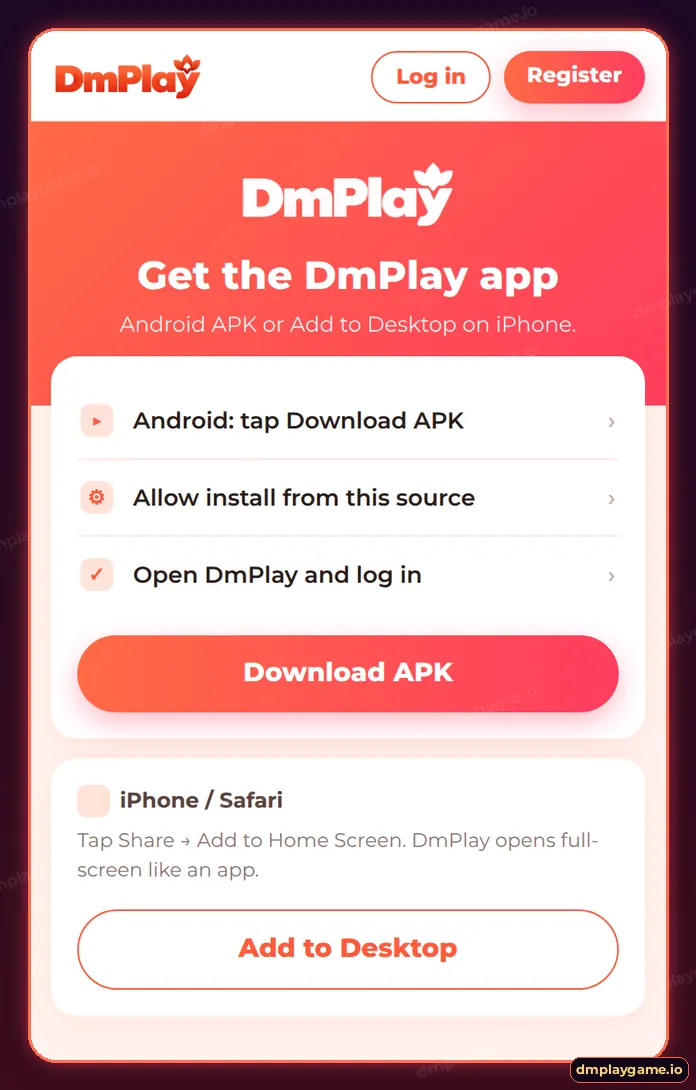
For DmPlay app download, open the DmPlay site on your Android phone, tap Download APK, allow your browser to install unknown apps, open the downloaded file and tap Install. On iPhone, open DmPlay in Safari, tap Share and choose Add to Home Screen.
How do I download the DmPlay APK on Android?
- Open the DmPlay site in Chrome from a verified link.
- Tap Download APK (or the download icon in the header).
- When Android warns about the file, tap Download anyway.
- Open the file from the notification or the Downloads folder.
- If asked, allow Install unknown apps for Chrome only.
- Tap Install, then Open, and log in or register.
How do I install DmPlay on iPhone?
- Open the DmPlay site in Safari.
- Tap the Share icon.
- Choose Add to Home Screen and tap Add.
- Open DmPlay from the new icon — it runs full-screen.
More detail and the related offer are on DmPlay Add to Desktop.
Why will the DmPlay app not install?
| Error | Likely cause | Fix |
|---|---|---|
| “App not installed” | Old version or corrupted file | Uninstall the old app and download again |
| “Blocked by Play Protect” | APK outside Play Store | Tap More details → Install anyway if the file came from DmPlay |
| “There was a problem parsing” | Incomplete download | Re-download on stable Wi-Fi |
| No install button | Unknown apps not allowed | Settings → Apps → Chrome → Install unknown apps |
| Storage full | Low space | Free up at least 200 MB |
How do I know the APK is genuine?
- It downloads from the same site where you see the DmPlay lobby.
- It does not ask for SMS, contacts or accessibility permissions on install.
- It opens to the normal DmPlay login with Log in and Register buttons.
- “Mod”, “VIP hack” or “prediction” APKs are always fake.
How do I update DmPlay?
When a new version is released, the app shows an update prompt. Accept it, or download the latest APK and install it over the old one — your account and balance stay on the server. Read the DmPlayGame app guide for features.
Who needs this download guide?
Android and iPhone users setting up DmPlay for the first time or reinstalling on a new phone. Everything else is on the DmPlay app download home.
Key takeaways
- Android: Download APK → allow → Install.
- iPhone: Safari → Share → Add to Home Screen.
- Only install from the DmPlay site.
- Updating keeps your balance.
Frequently asked questions
Is the DmPlay APK free?
Yes. The download is free.
Is it safe to allow unknown apps?
Allow it only for your browser and only for the DmPlay file, then turn it off again if you prefer.
How big is the DmPlay app?
The installer is small, but keep extra space for game assets downloaded later.
Can I download DmPlay on a PC?
There is no Windows app; use the web version in your browser.
Will reinstalling delete my balance?
No. Your balance is stored on your account, not on the phone.
Why does Play Protect warn me?
It warns about every APK from outside the Play Store. Check the source first.
