 Skip to content
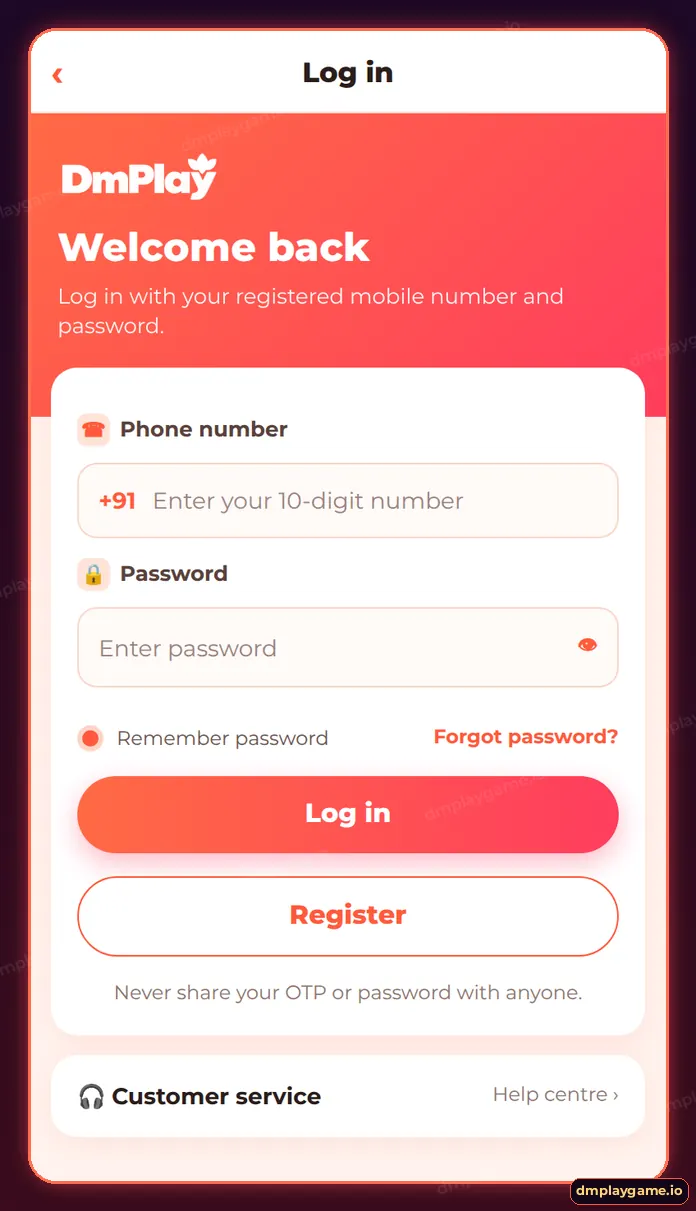
Most DmPlay login problems come from a wrong password, a mistyped number, a slow network or an outdated app. Reset the password with Forgot password?, confirm the registered number, switch networks, update or reinstall the app, and contact customer care if the account shows as frozen.
What are the common DmPlay login errors?
| Message or symptom | Meaning | Fix |
|---|---|---|
| Wrong password | Password mismatch | Reset it by OTP |
| Account does not exist | Different number used | Try the other SIM or number |
| Endless loading | Network or cache | Switch network, clear cache |
| App closes on open | Old or damaged install | Reinstall from download guide |
| Account frozen | Security or rules review | Contact customer care |
| Site will not open | Blocked or wrong link | Use a verified link |
How do I fix DmPlay login step by step?
- Check you are typing the registered number with no leading 0.
- Tap the eye icon to check the password.
- Use Forgot password? if unsure.
- Switch between Wi-Fi and mobile data.
- Clear the app or browser cache.
- Update or reinstall the app.
- Try the web version in another browser.
- Contact support with your user ID.
Why is my DmPlay account frozen?
Accounts can be paused for security checks — for example, logins from many devices, suspected duplicate accounts or payment disputes. Only customer care can review it. Do not pay anyone who offers to “unfreeze” it.
How do I avoid login problems?
- Save the genuine link as a bookmark.
- Keep the app updated.
- Use one account per person.
- Store your password in a password manager.
Who is this for?
Players who could log in before but cannot now. If you never registered, use the DmPlay register guide. For the normal sign-in steps see DmPlay game login, or visit the DmPlay login home page.
Key takeaways
- Check number and password first.
- Network and cache cause most loading issues.
- Frozen accounts need support, not “fixers”.
- Bookmark the genuine link.
Frequently asked questions
Why can't I log in to DmPlay?
Usually a wrong password, wrong number or network issue. Work through the checklist above.
Why does DmPlay keep loading?
Slow networks or cached data. Switch networks and clear cache.
What if my account is frozen?
Contact customer care with your user ID and recent transaction details.
Is DmPlay down?
If the app will not load on any network, wait a few minutes and check the notice strip once you are in.
Can a VPN cause login problems?
Yes. Turn off VPNs and proxies before logging in.
Will reinstalling fix login?
It fixes damaged installs; your account details stay the same.
