 Skip to content
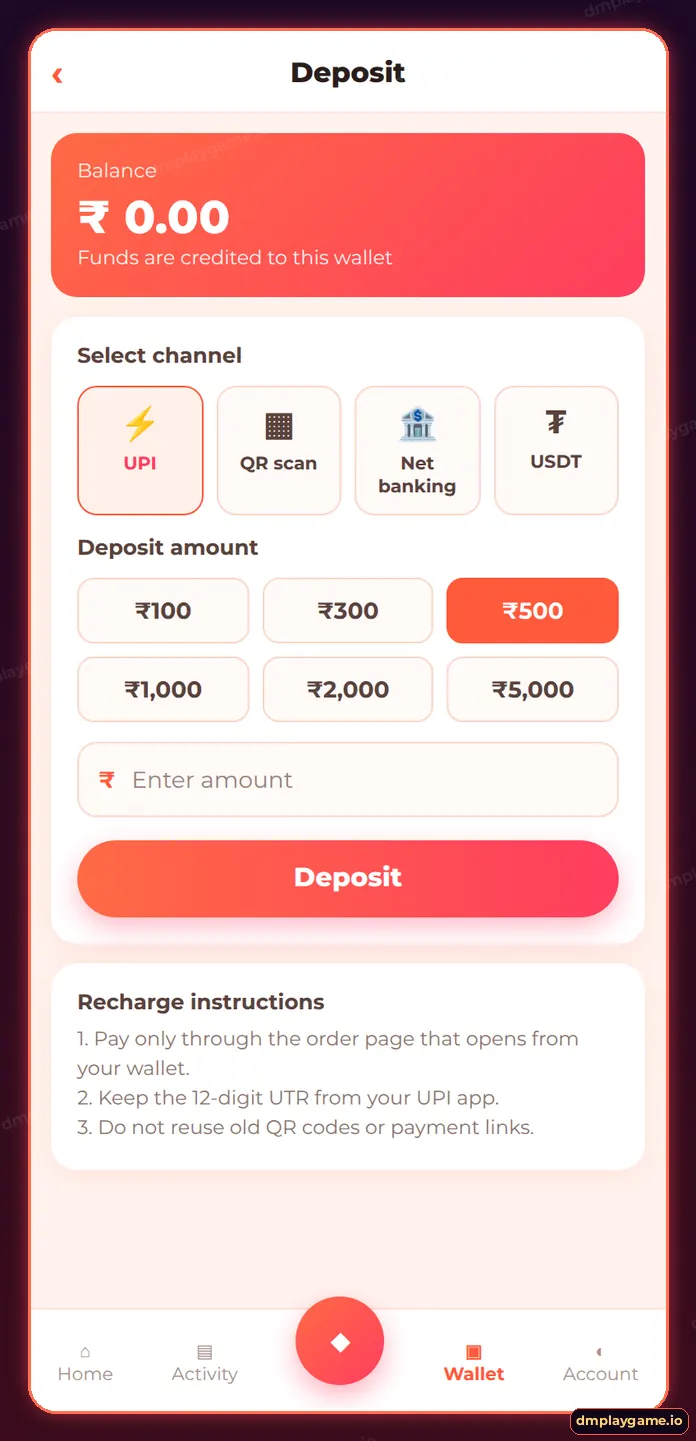
If a DmPlay deposit was debited but not credited, wait 30 minutes, check Wallet → Deposit history, then submit the 12-digit UTR and a payment screenshot through customer service’s recharge/deposit issue option. Most matched payments are added once the UTR is verified; failed bank transfers are usually reversed by your bank within a few working days.
Why does a DmPlay deposit get stuck?
| Cause | Sign | Fix |
|---|---|---|
| UTR not submitted | Order asks for UTR | Paste the 12-digit UTR |
| Amount mismatch | You rounded the amount | Submit proof to support |
| Old QR reused | Paid an expired order | Submit UTR with screenshot |
| Bank delay | UPI says pending | Wait for bank confirmation |
| Payment failed | UPI shows failed | Bank auto-reverses the debit |
How do I fix it step by step?
- Wait 30 minutes after paying.
- Open Wallet → Deposit history and find the order.
- Open your UPI app and copy the 12-digit UTR.
- Screenshot the successful payment.
- Go to Account → Customer service → Deposit not received.
- Enter the order number, UTR and amount, attach the screenshot.
- Submit and keep the ticket number.
How long do deposit complaints take?
Many are resolved within a few hours once the UTR matches. If the payment failed at the bank, your bank — not DmPlay — reverses it, usually in 3–7 working days.
How do I avoid deposit problems?
- Always start a fresh order from Wallet → Deposit.
- Pay the exact amount, including paise.
- Never pay the same QR twice.
- Keep receipts until the credit shows.
Who should I contact?
Only DmPlay customer care inside the app or via a verified link. For general steps see the deposit guide or the DmPlay game home page.
Anyone asking for your UPI PIN or a “refund fee” to fix a deposit is a scammer.
Key takeaways
- Wait 30 minutes first.
- The UTR is your proof.
- Submit through in-app customer service.
- Never pay a “refund fee”.
Frequently asked questions
Money debited but not added to DmPlay — what now?
Submit the UTR and screenshot through customer service; matched payments are credited.
Where do I find the UTR?
In the transaction details of your UPI app; it is a 12-digit number.
Will I lose my money?
Verified payments are credited; failed payments are reversed by your bank.
Why does my deposit say failed?
The channel timed out or the amount did not match. Check your bank for a debit.
Can I deposit again while one is pending?
Yes, but start a new order and do not reuse the old QR.
How long do bank reversals take?
Typically 3–7 working days, depending on your bank.
